Parth Abhyankar
June 30, 2026 · 5 min read
We helped a software company recover from a hacked PHP server, restore their data and prevent future hack attempts
We cleaned a hacked Laravel server with PHP backdoors and chattr-locked malware. Here is why restoring from a backup would have made it worse.
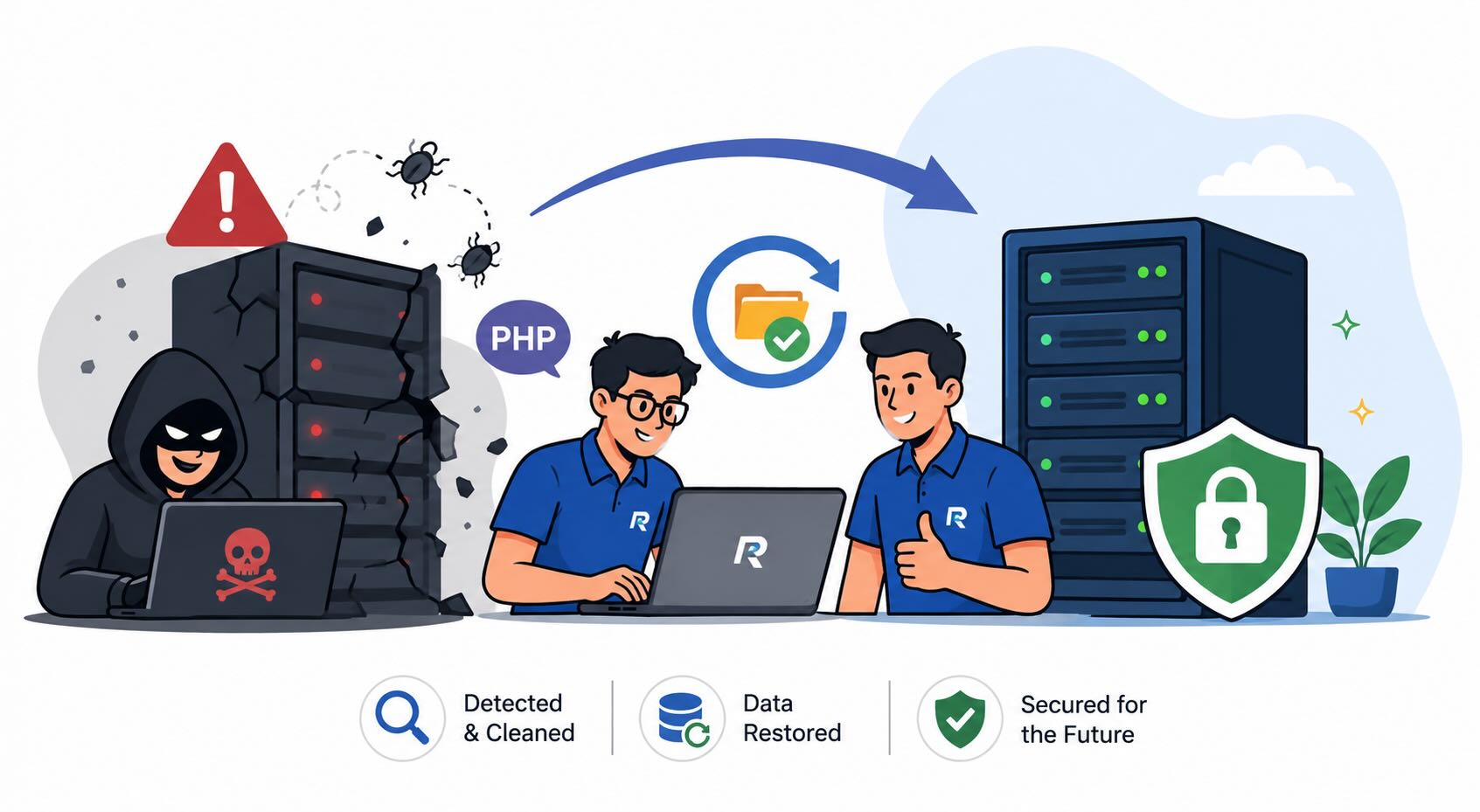
A software company called us on a Sunday morning. Their server was sending visitors to spam pages, and Google had started flagging their sites. The strange part was this. They had already tried to delete the bad files, and the files would not delete.
This client is a software company. Like a lot of small firms in India, they kept several of their own client websites on one server to save money. So this was not one site in trouble. It was every site on that box. When the server is dirty, every business sitting on it looks dirty too, both to Google and to their own customers.
Here is the advice almost everyone gives when a site gets hacked. Restore from your last backup and move on. It sounds safe. It is usually a trap.
Two things go wrong. First, you do not know when the hack actually started. The backup from last week may already have the backdoor sitting inside it, so you restore the problem along with the site. Second, restoring puts the files back, but it does not close the hole the attacker came through. Within a few days, sometimes hours, they walk back in and you are exactly where you started. This client had already restored once. It came back.
Let me explain what we actually found, in plain words.
A backdoor is a small hidden file the attacker leaves behind. It looks like a normal PHP file, but it lets them run commands on your server whenever they want. We found several of these scattered in odd folders.
The attacker had also edited the .htaccess files. The .htaccess file is a small settings file that Apache reads on every request. By editing it, they quietly sent some of the site's visitors to spam pages while leaving the homepage looking normal to the owner. That is why nobody noticed for a while.
Then came the part that stumped them. Some of the malware files were locked with a Linux setting called chattr +i. When a file has this flag on, even the main admin account cannot delete or change it. You have to remove the flag first, with chattr -i, before the file will budge. The client kept clicking delete and nothing happened, and they thought their computer was acting up. It was the attacker making sure their backdoor stayed put.
So we worked through it in order.
We took the sites offline first, so no more visitors were sent to spam and no more damage was done. Then we listed every file changed in the last few weeks, which quickly showed up the planted files. We searched the code for the usual malware patterns, things like eval and base64_decode, which normal app code almost never needs. We unlocked the chattr files, removed the backdoors, and cleaned the .htaccess files.
Then the step most people skip. We fixed the file permissions and ownership across the whole project, reset every password and key, and updated the software. A lot of these hacks get in simply because folders are left writable by the wrong user. On a Laravel project only a few folders need write access, and getting that right shuts a common door.
We use a small script to set Laravel permissions correctly. It clears most of the basic permission problems that let this kind of thing happen. You are welcome to use it.
#!/bin/bash
# Usage: ./fix-laravel-permissions.sh /path/to/laravel/project

PROJECT_PATH=$1
WEB_USER=www-data
WEB_GROUP=www-data

if [ -z "$PROJECT_PATH" ]; then
  echo "Usage: $0 /path/to/laravel/project"
  exit 1
fi

cd "$PROJECT_PATH" || exit

mkdir -p storage/framework/cache storage/framework/sessions storage/framework/views storage/logs bootstrap/cache database

chown -R $WEB_USER:$WEB_GROUP storage bootstrap/cache database
chmod -R 775 storage bootstrap/cache database

if [ -f database/database.sqlite ]; then
  chmod 664 database/database.sqlite
  chown $WEB_USER:$WEB_GROUP database/database.sqlite
fi

if [ -f artisan ]; then
  sudo -u $WEB_USER php artisan optimize:clear
fi

echo "Done. Laravel permissions fixed."
Run it as ./fix-laravel-permissions.sh /path/to/your/project. It is not a magic cure, but it removes a large share of the easy openings.
After cleaning, we run a short health check, and you can do the same on your own server. List files changed recently and look for anything you do not recognise. Search your PHP files for eval and base64_decode. Open your .htaccess files and check for redirects you did not add. Run lsattr to spot any files locked with the immutable flag. Check your scheduled jobs (cron) for tasks you did not create. And keep one clean backup offline, not on the same server.
Here is why doing it this way matters. The full, proper clean took us about two days. The client's earlier "just restore it" attempt took an hour and felt faster, but the site was reinfected within a week, and during that week their client sites were getting flagged by Google. For a software company that is the worst kind of damage, because their own customers start asking why their site is showing spam.
This is not a rare problem. India's government cyber response team, CERT-In, handled over 29 lakh cyber incidents in 2025. Most small firms never make the news. They just lose a weekend, and some of their customers' trust.
If your site is acting strange, or you simply want someone to check whether a server is actually clean and not just restored, that is the kind of work we do. We build and maintain custom software, and we clean up servers when they get hit. You can read our longer Laravel security guide, or just get in touch and tell us what is going on.
Monthly newsletter
Found this useful?
Get our monthly insights — no fluff.
You're subscribed. Talk soon!
Was this article useful?
Keep reading